[Case 03]
Seawolf
Sports & Weather Intelligence
How I Designed a Surf App Without Knowing About Waves
A deep dive into how visual mapping and interactive tide tools solved data friction and improved account conversions for a maritime tracking platform.
[Project Overview]
Seawolf is a maritime platform providing high-accuracy ocean data. The project focused on converting surfers by turning complex technical inputs into simple, visual, and interactive design solutions.
[Problem Statement]
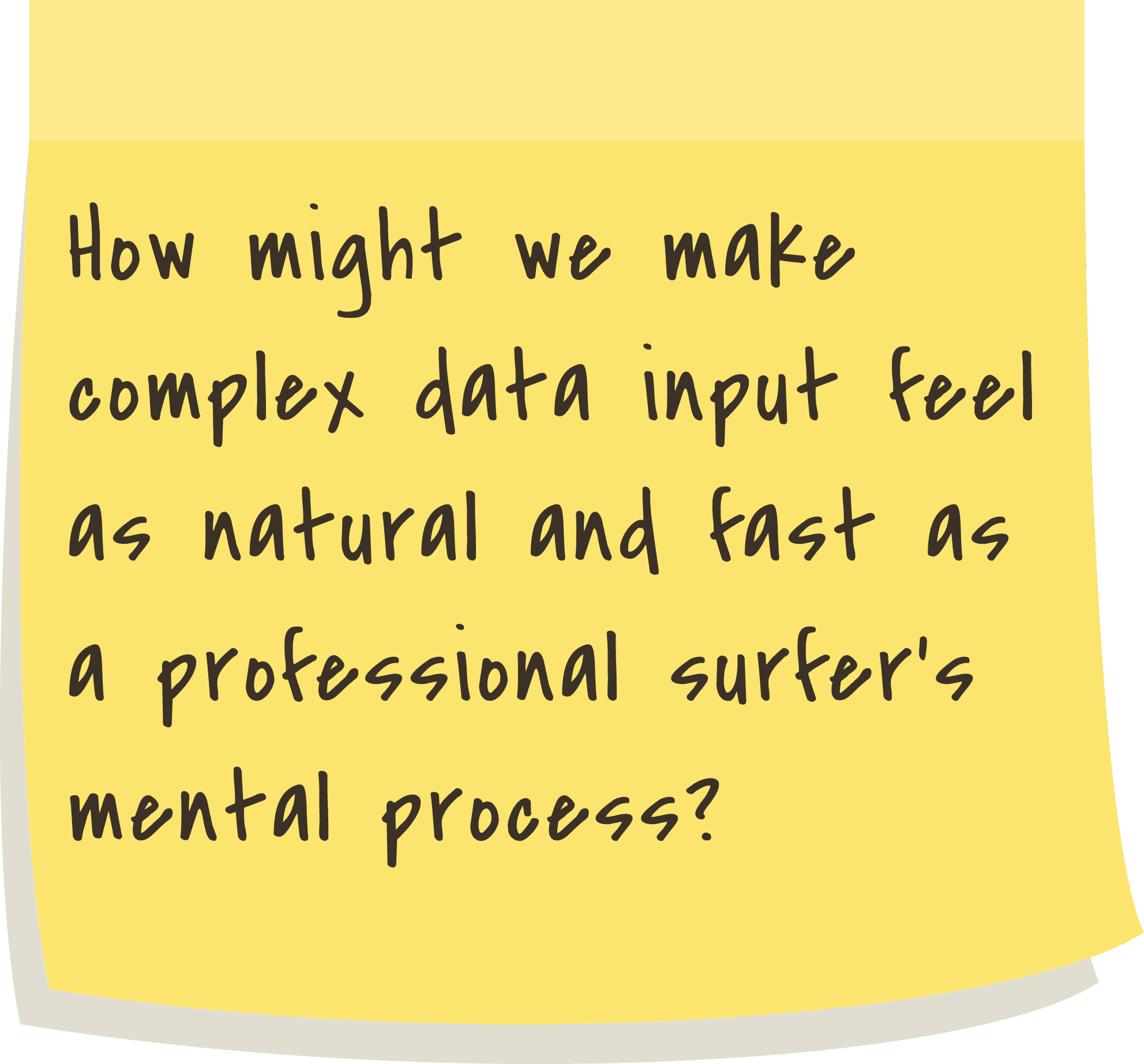
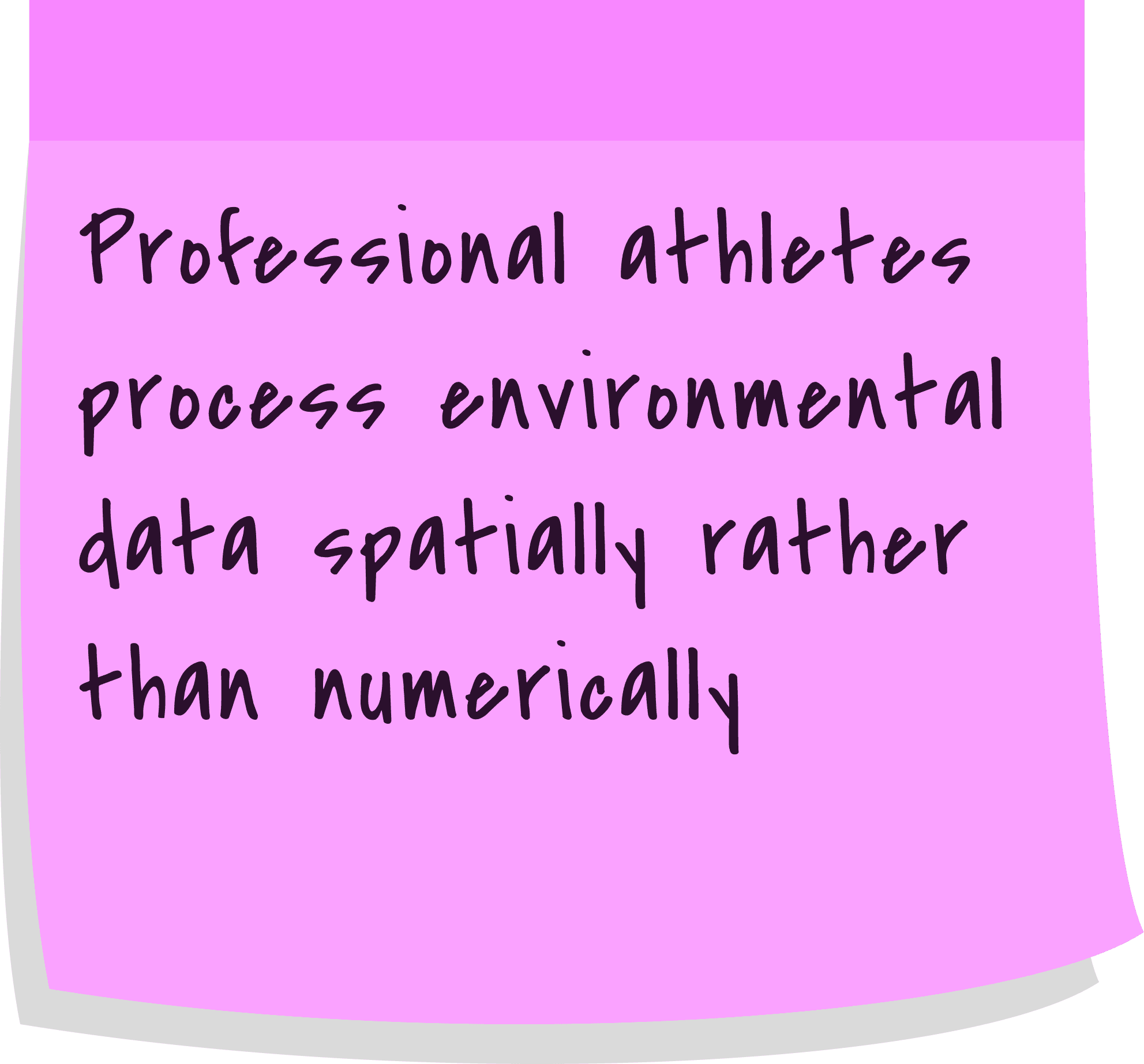
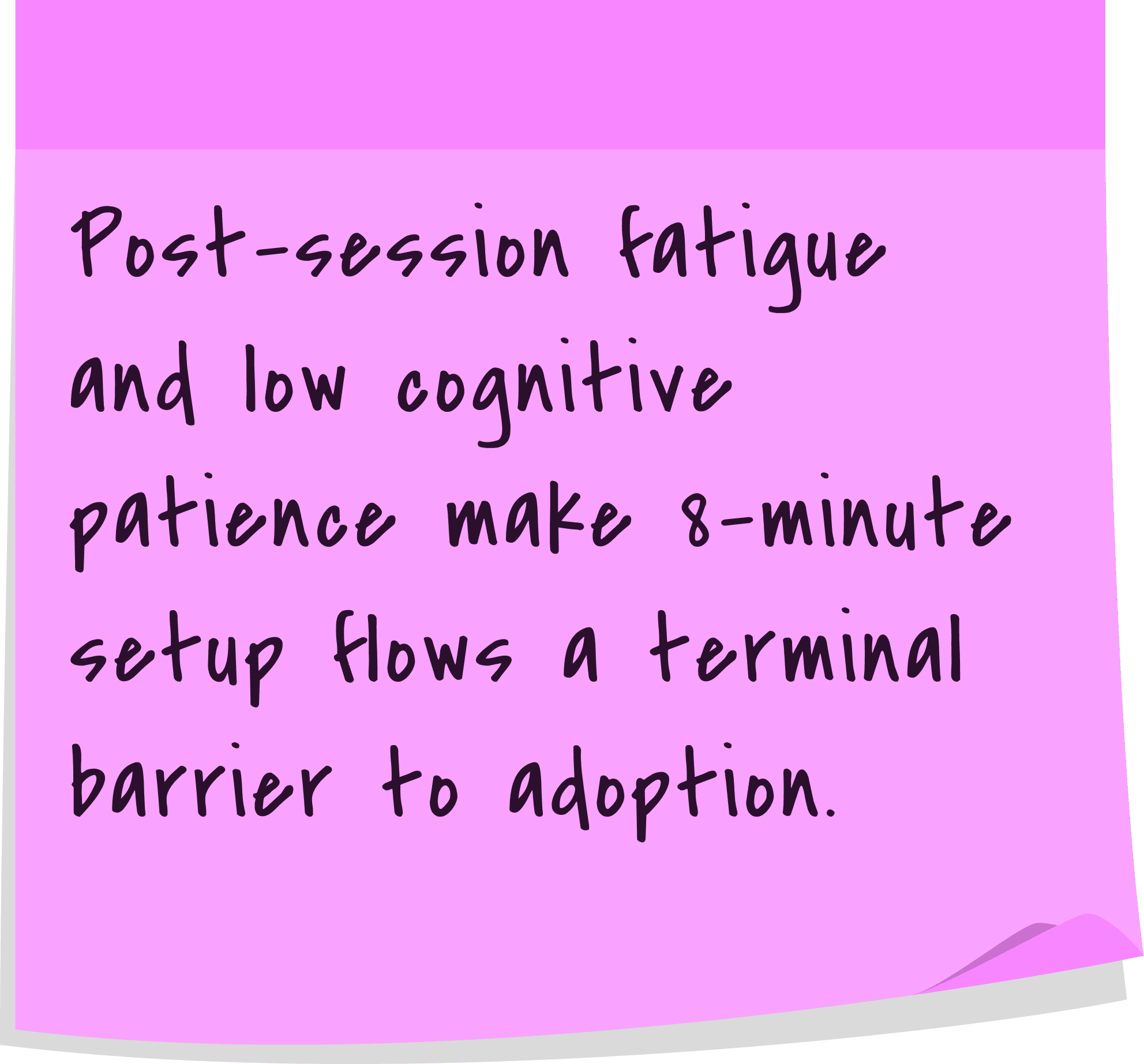
The primary challenge for Seawolf was technical friction during the alert setup. While built for professional surfers who know maritime terms, the interface forced them through a data wall of text boxes and dropdowns. Translating a mental image of a swell into manual degrees felt slow and unintuitive. This caused high drop-off rates because the process felt like data entry rather than surf preparation.
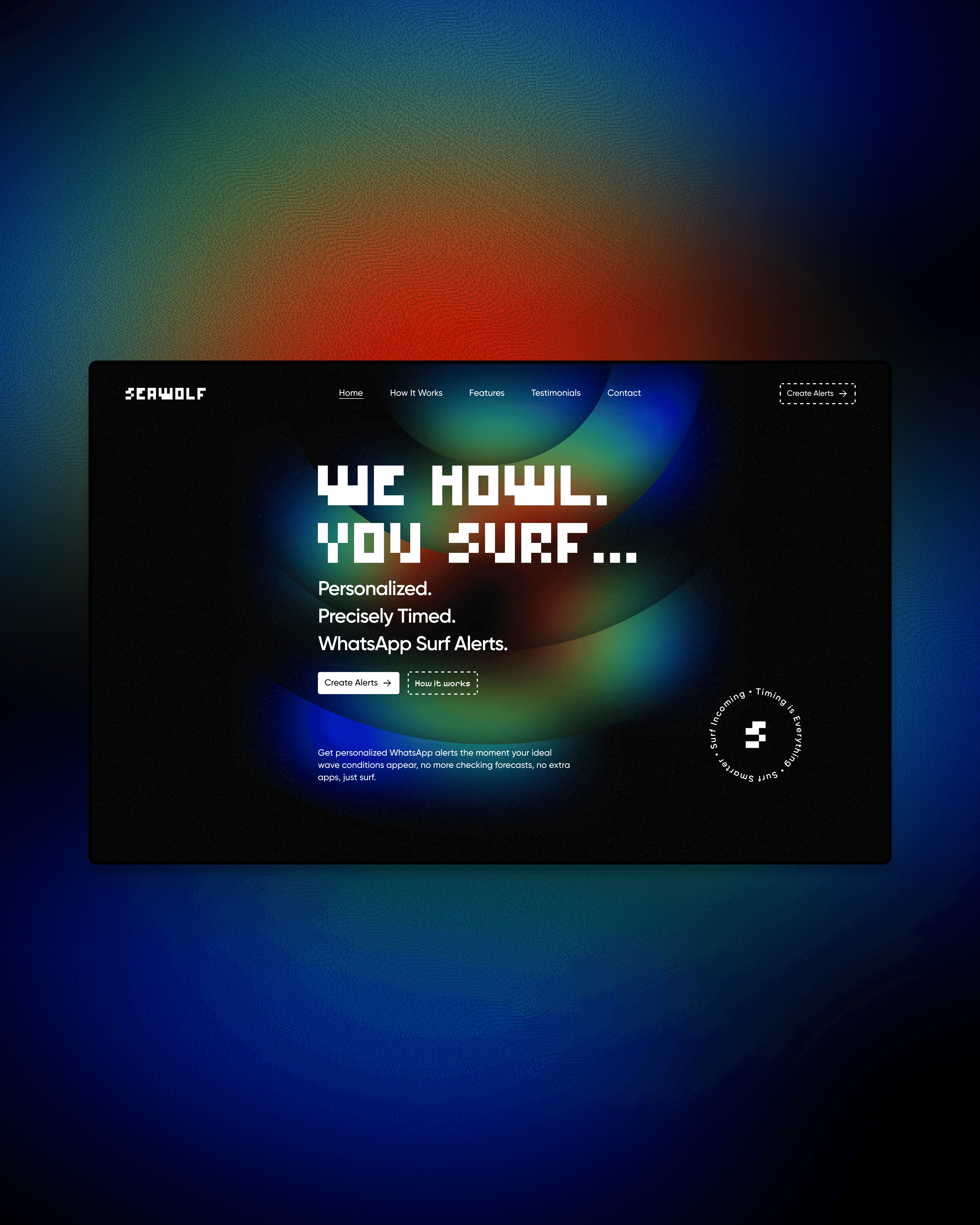
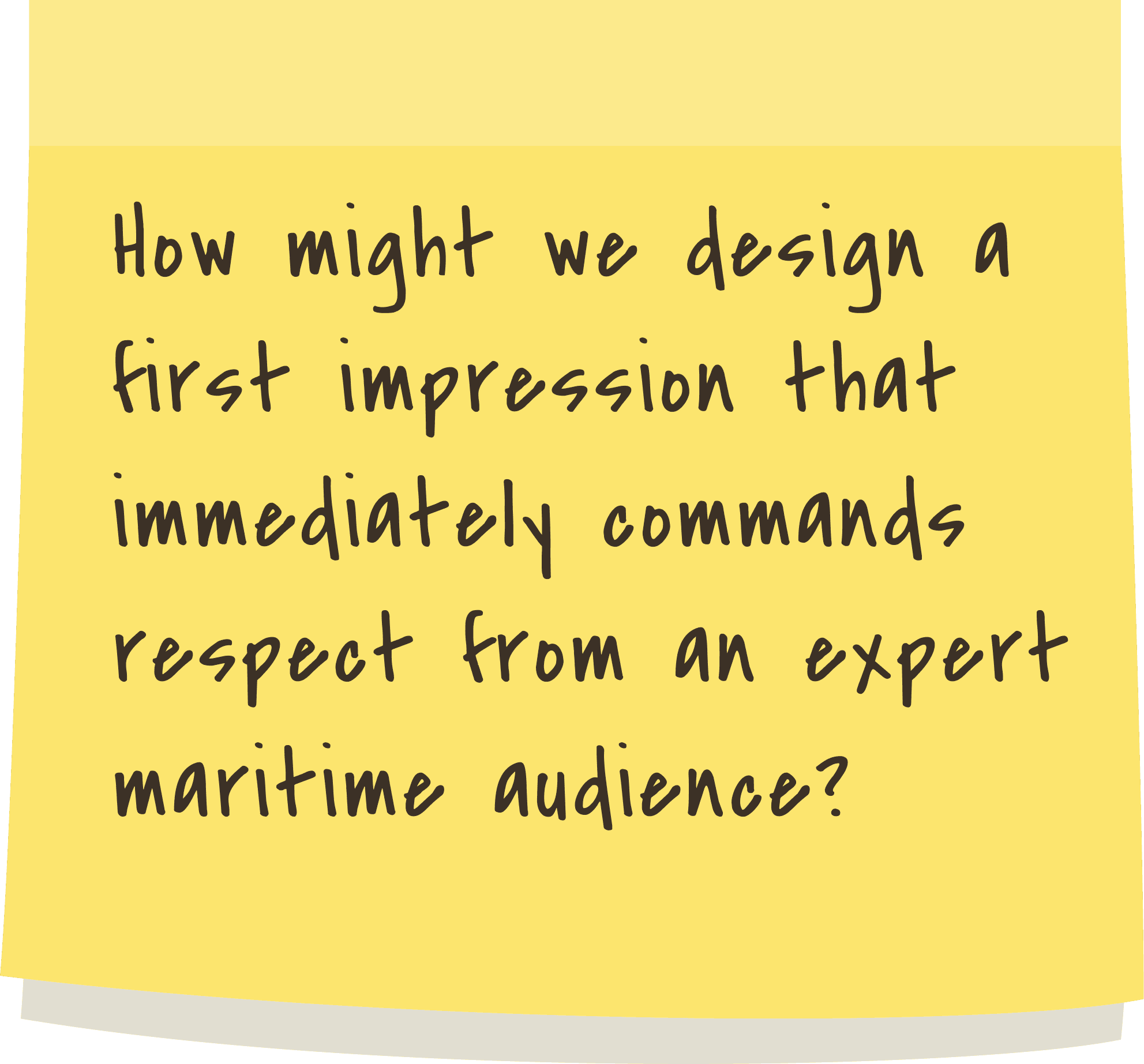
The marketing website also lacked a high-performance visual identity. It failed to capture the raw power of the ocean that professionals respect. For an expert tool, the first impression needed to feel high-tech and authoritative. I redesigned the experience to match the expertise of the user, making data input visual and the branding feel like a high-stakes maritime system.
[Industry]
Sports & Weather Intelligence
[My Role]
Product Designer
[Platforms]
Desktop and Mobile
[Timeline]
May 2025 - June 2025
[Persona]
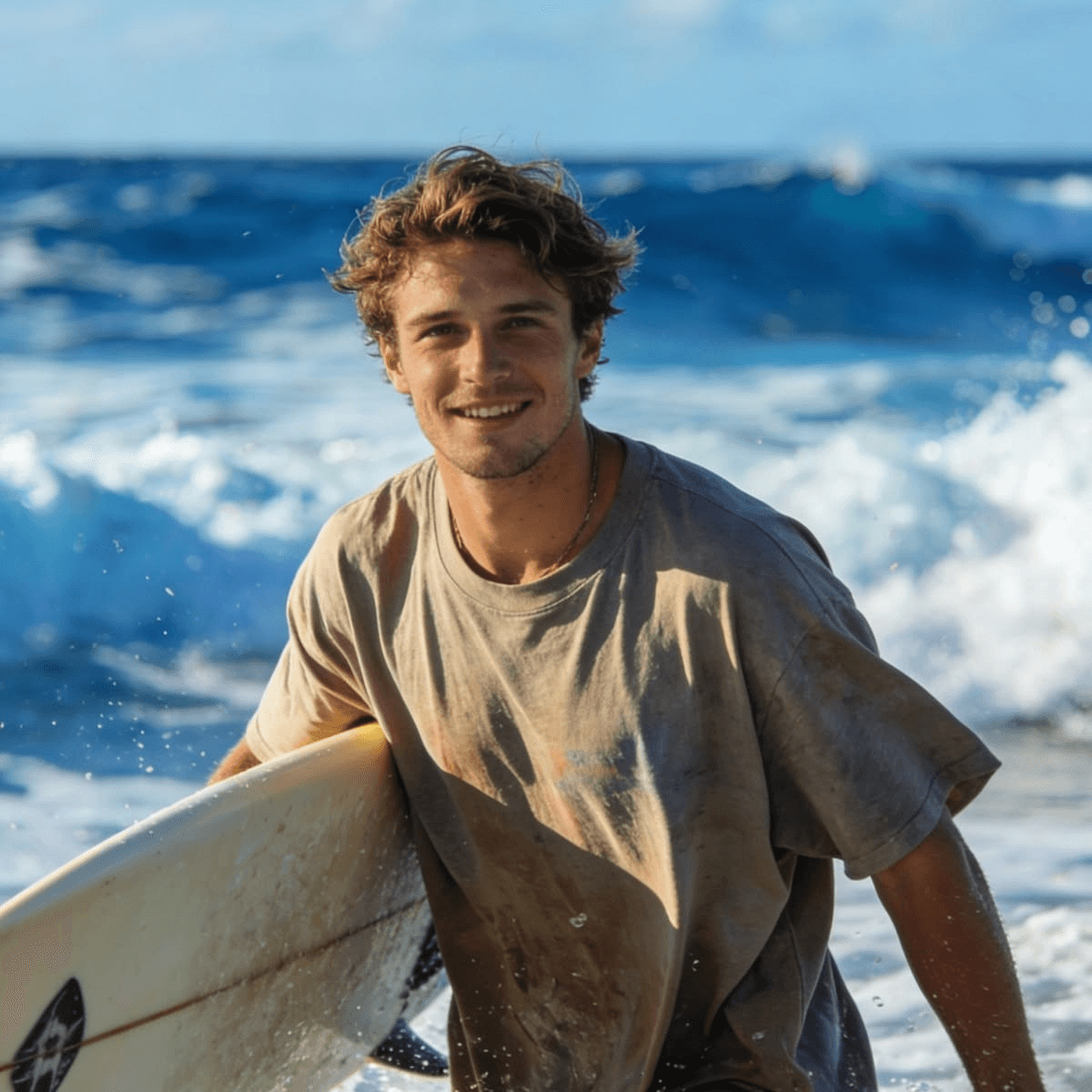
Leo Ramos
Professional Surfer (Only target users for now)
Spends his life tracking the perfect wave and needs a high-performance tool that matches his expert level of maritime knowledge.
Age: 30
Location: Gold Coast, Australia
Tech proficiency: Moderate
Gender: Male
[Pain Points]
Frustrated by apps that treat professional surfers like beginners.
Annoyed by "data walls" that make setting an alert feel like office work.
Loses interest in tools that don't look or feel high-tech and authoritative.
[Expectations]
A seamless interface that speaks the technical language of the ocean.
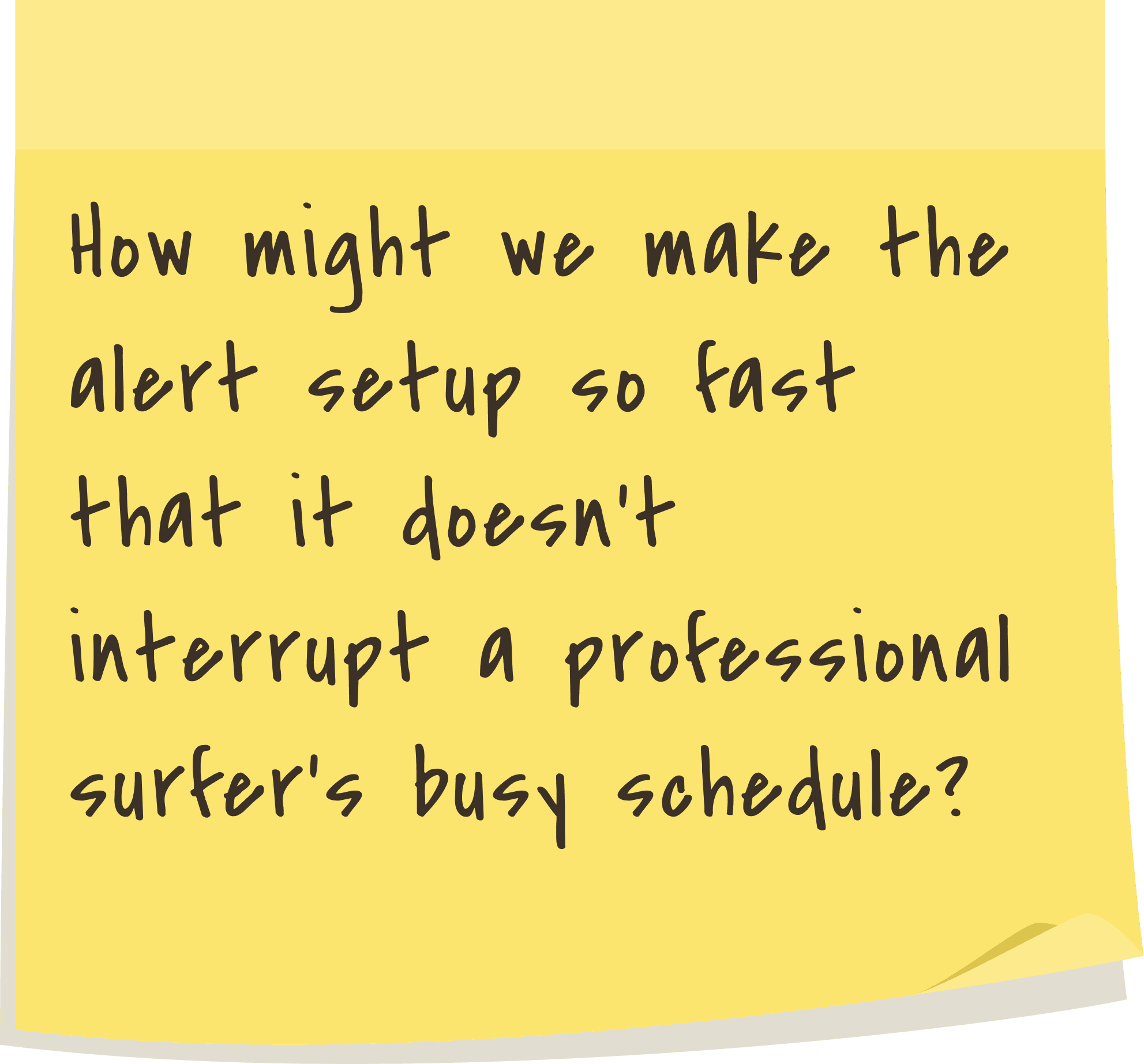
A fast setup process that respects his time and professional routine.
A visual experience that matches the raw power of the maritime environment.
[Current Behavior]
Manually checks multiple weather sites and government charts to piece together a swell forecast.
Mentally calculates tide timing and wave height because existing apps feel too basic.
Keeps a physical or digital logbook to track spot-specific conditions because current tools are too slow to update.
[User Goals]
Set highly specific surf alerts without wasting time on manual data entry.
Access a platform that feels like a professional, high-performance, and precision-driven maritime instrument.
Get accurate swell predictions that help him plan coaching sessions.
[Key Insights (Problem Statement + User Persona)]
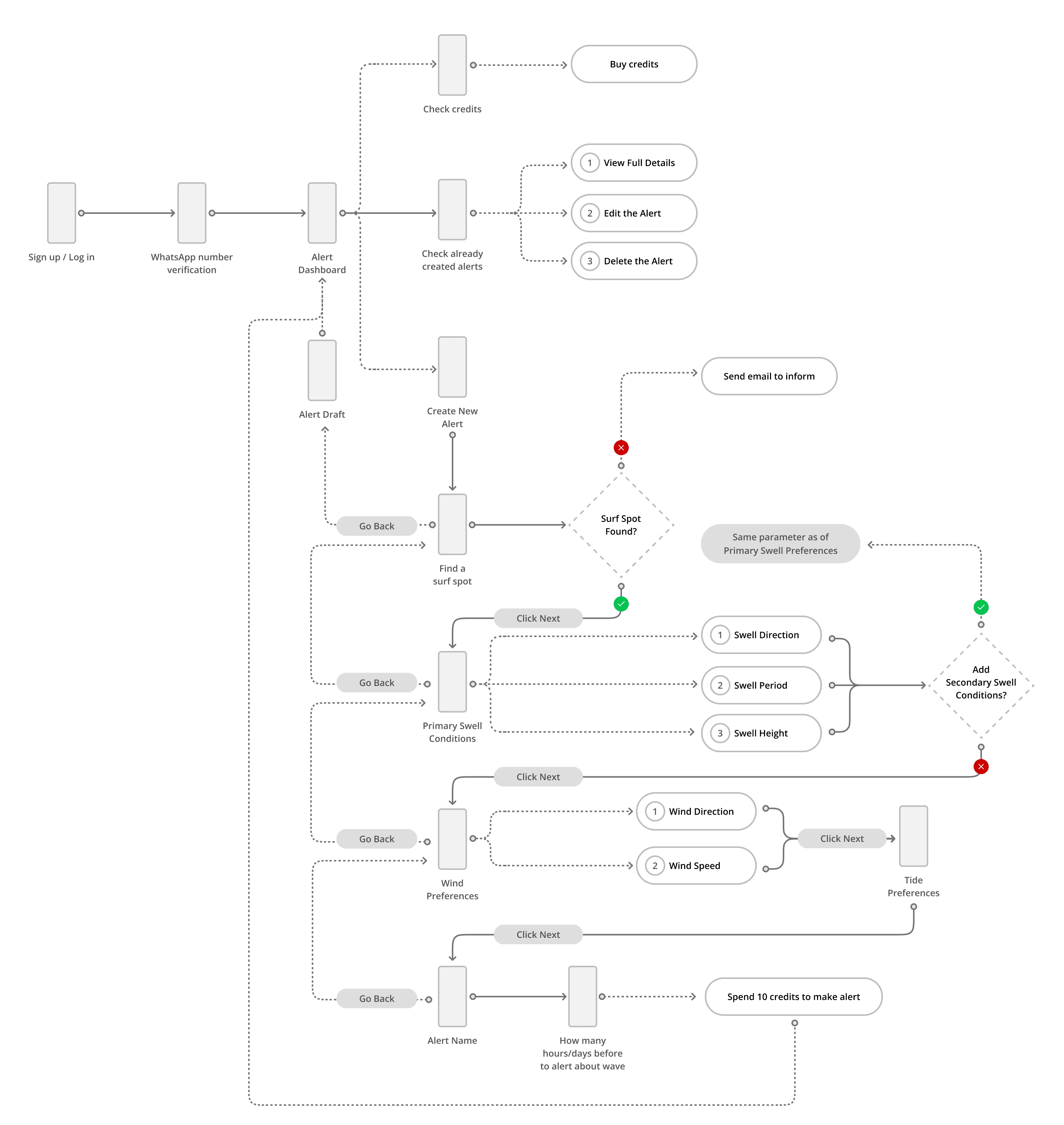
[User Flow to set an Alert]
[Process]
[01] Discovery & Research
I analyzed the existing technical forms to understand which maritime terms were essential for professionals and which ones were causing the most friction.
I spoke with experienced surfers to understand how they mentally visualize ocean conditions before they even look at a screen.
I studied professional maritime software and government weather charts to see where they failed in providing a modern, user-friendly experience.
[02] Conceptualization
Instead of following a standard app flow, I focused on aligning the interface with how a pro surfer naturally thinks about swell and tide.
I reorganized the technical data hierarchy to ensure the most critical "go/no-go" information was always front and center.
I sketched low-fidelity layouts to test how we could move away from text-based inputs without losing the precision that experts require.
[03] Visual Direction
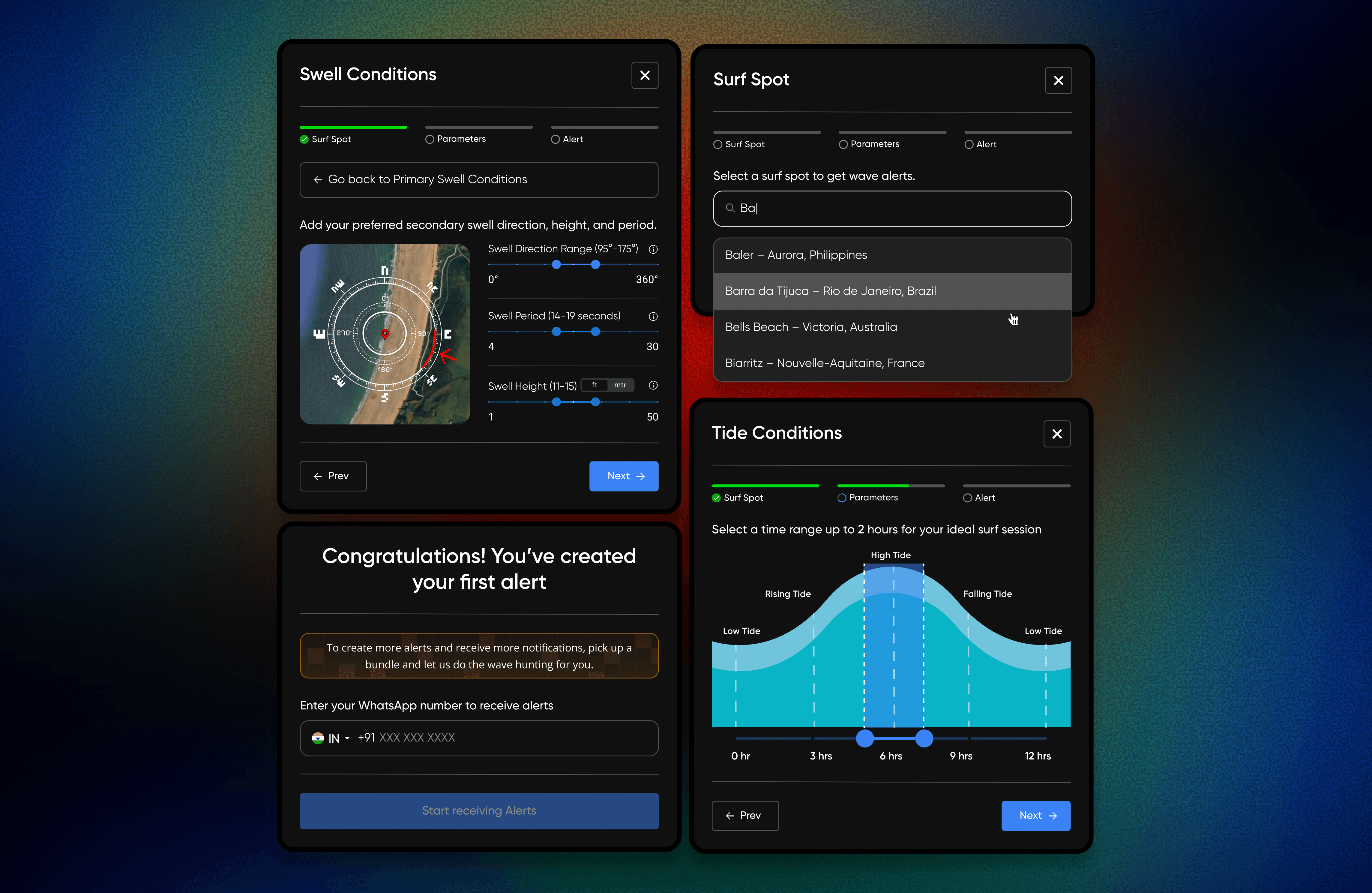
I replaced manual degree inputs with a visual compass on a map, allowing professionals to intuitively select swell direction and range.
I designed an interactive tide curve that lets users set duration, height, and tide type through direct manipulation rather than text entry.
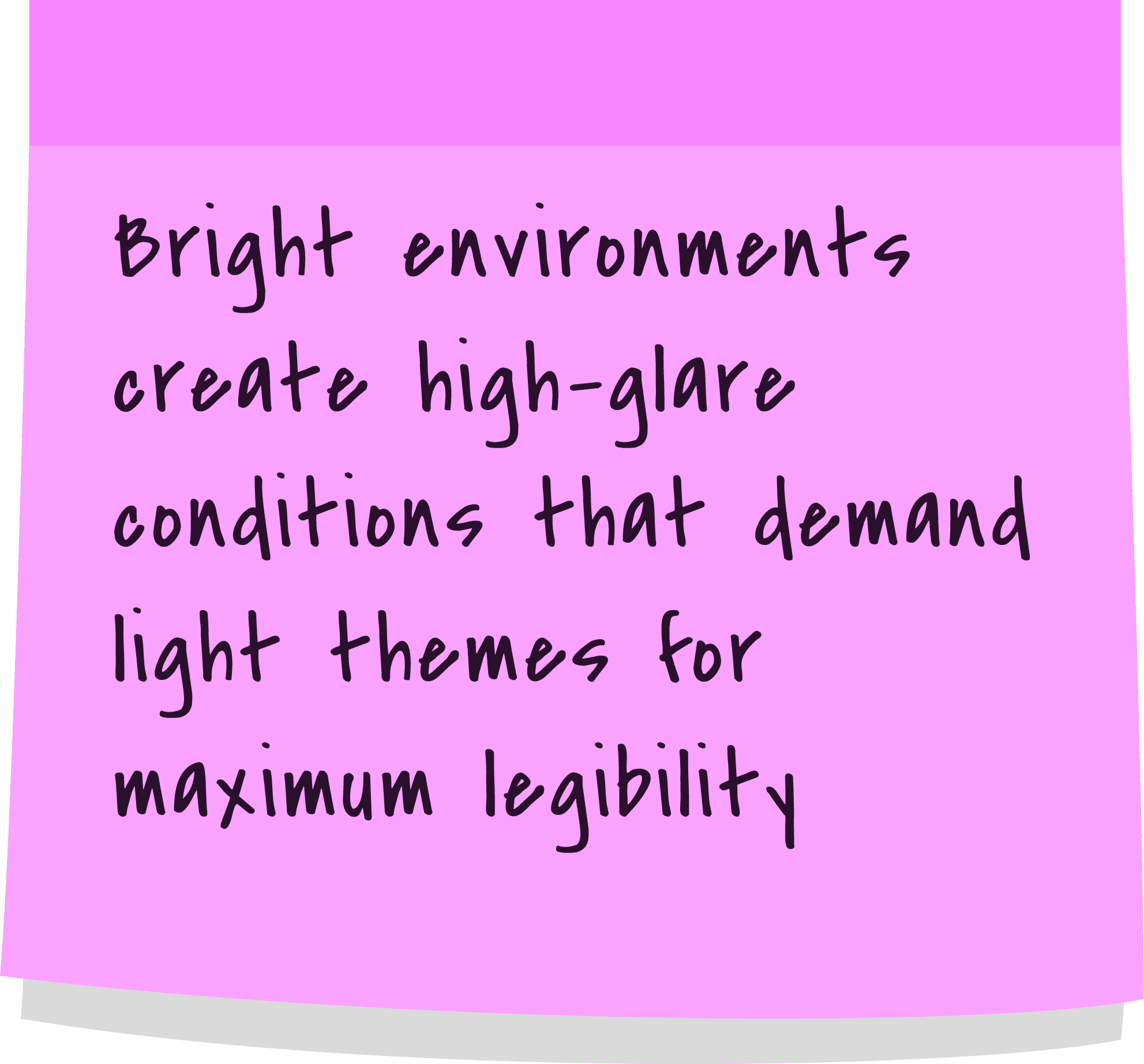
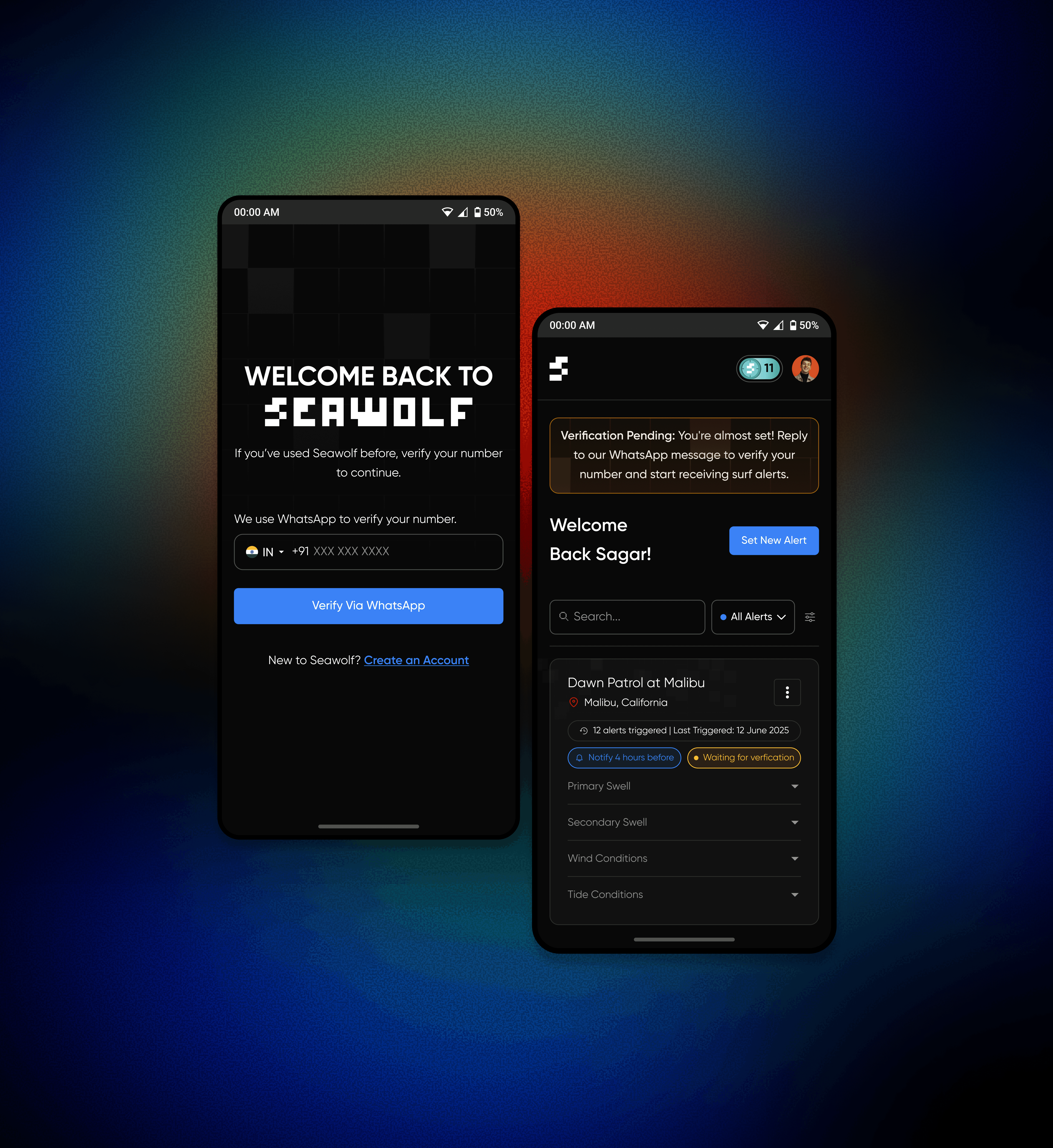
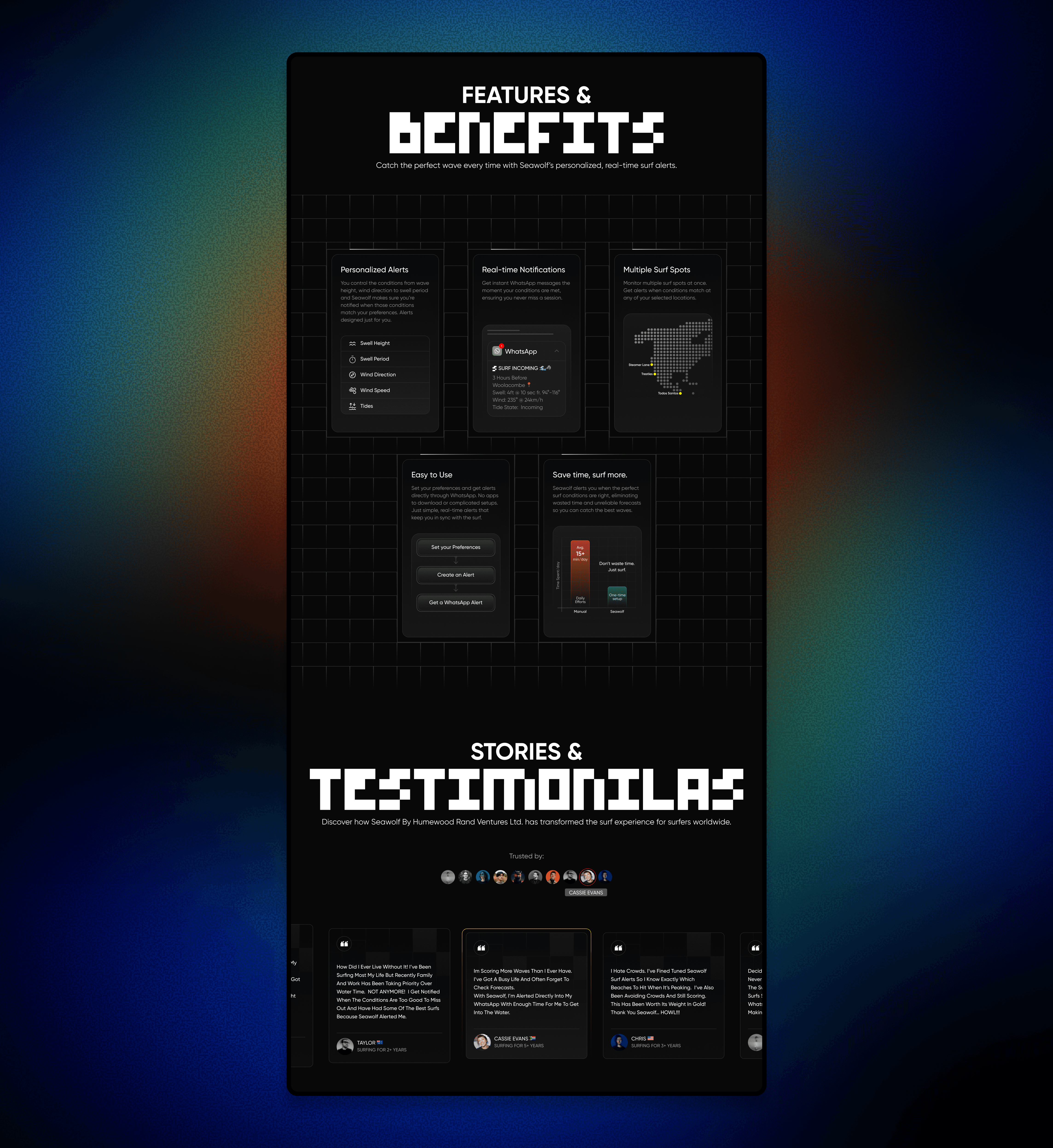
To meet brand and founder requirements, I used a high-contrast dark theme with glowing heat-map gradients for a professional maritime tool feel.
[04] Intentional Refinement
I reviewed the new interactive components to ensure that moving from text to visuals didn't create new "speed bumps" for a busy professional.
I proposed a light theme to prioritize legibility in bright sunlight, though I eventually aligned with the founder's dark mode requirement.
I refined the compass and tide tools to match professional expectations for data scaling, ensuring the interface felt like a precision-driven instrument.
[Outcome]
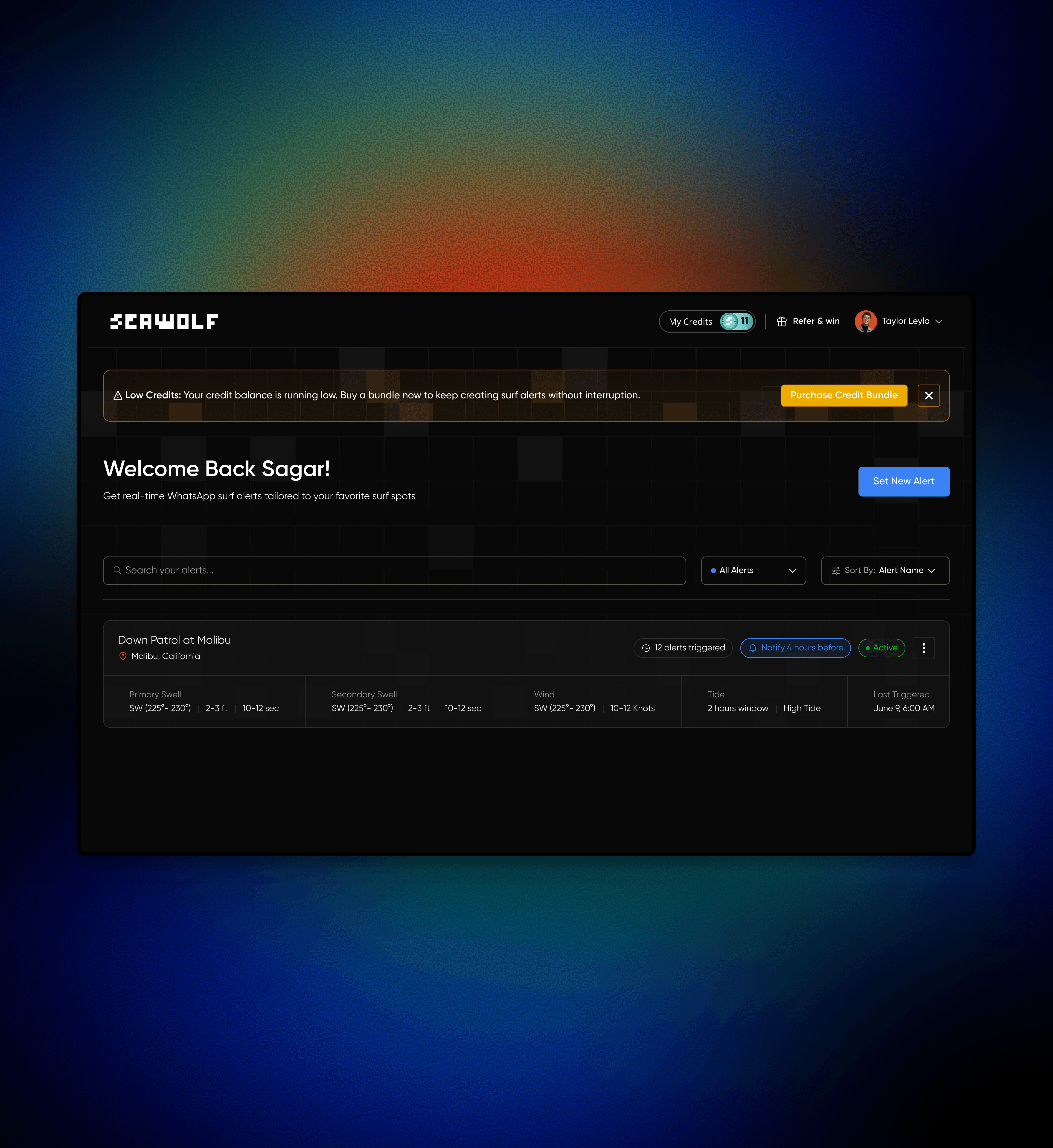
By replacing manual data entry with interactive visual tools, the time to set a professional alert dropped from 8 minutes down to just 4 minutes.
Moving from mental visualization to direct manipulation on the compass and tide diagrams completely removed the common data errors previously found in text-based inputs.
The new flow saw 35% of users engage with the primary CTA, while successful alert completion increased from a mere 2% to over 8%, representing a massive 4x improvement in user retention and engagement compared to the previous version.
[Key Learnings]
Learn the user’s world before designing anything
I had zero background in surfing, so I had to start from scratch. Understanding the sport, the language, and how surfers think was the only way I could design something that actually made sense to them.
Simple flows need deeper thinking
Making the alert setup feel easy wasn’t just about removing steps. It meant reordering questions, using visuals, and making each part feel natural so the user didn’t feel stuck or overwhelmed.
Clarity matters more than control
Pro surfers care about precision, but they don’t want complexity. My biggest takeaway was that even advanced users prefer clarity and speed over full control when they’re in a hurry.